
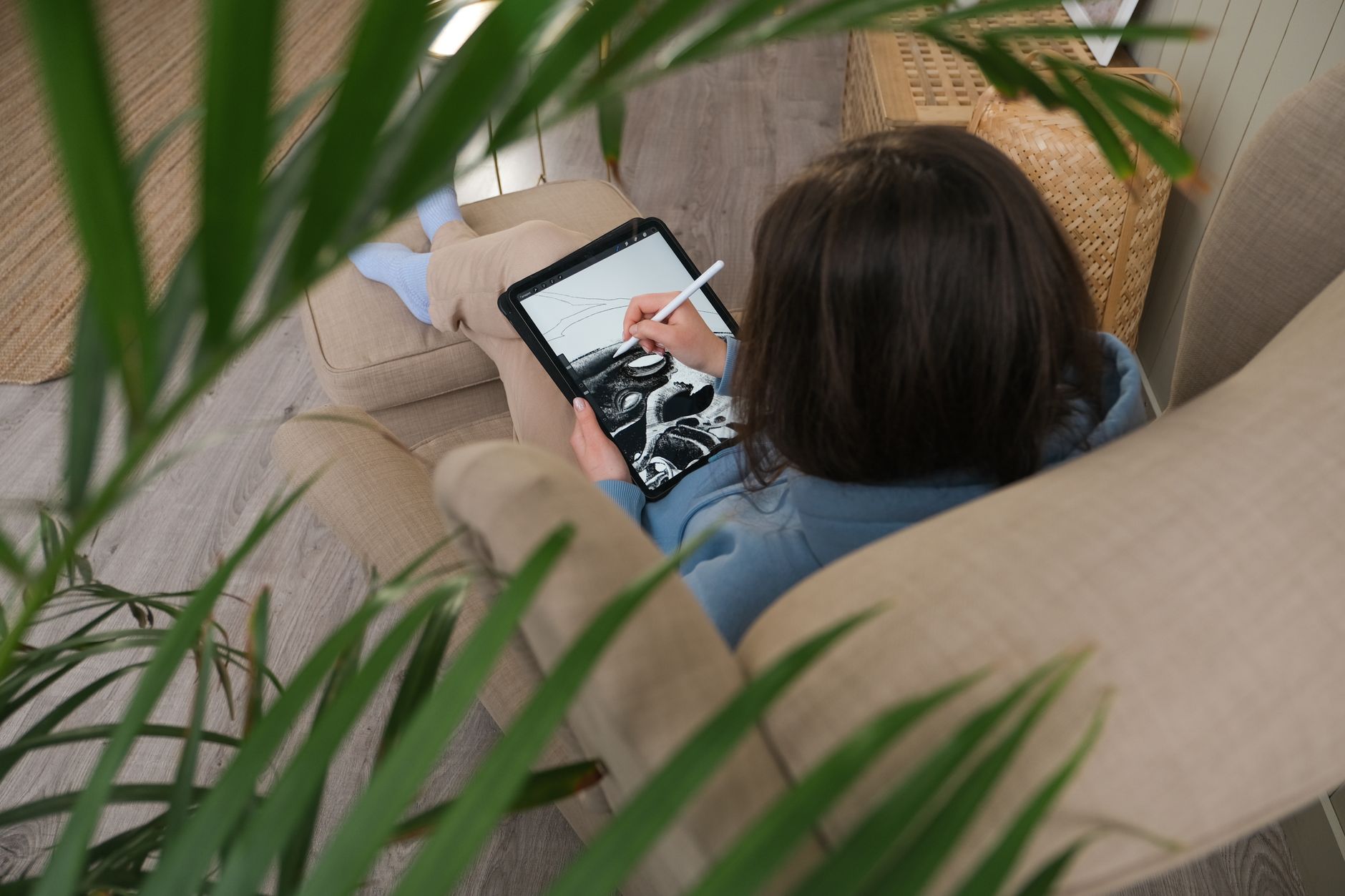
Looking for budget Apple Pencil alternatives UK without compromising on quality? You're not alone. With stylus prices ranging from affordable to eye-wateringly expensive, finding the sweet spot between functionality and value can feel overwhelming. The good news is that you don't need to spend a fortune to enjoy precise digital writing and drawing on your iPad.
Whether you're a student taking lecture notes, a creative professional sketching ideas, or someone who simply prefers handwriting to typing, understanding your options under £90 can save you money whilst still delivering excellent performance.
Understanding Your Stylus Needs Before You Buy
Before diving into specific products, it's worth considering what you actually need from a stylus. Not everyone requires pressure sensitivity or tilt recognition. If you're primarily taking notes or annotating documents, a more affordable option might serve you perfectly well.
The key is matching the tool to your use case. Digital artists working in Procreate or Adobe Fresco will have different requirements than students using GoodNotes or Notability. Understanding this distinction helps you avoid overspending on features you'll never use.
The Apple Pencil USB-C: Affordable Official Option
Apple's own entry-level offering sits right at the budget threshold, making it an interesting consideration for those who want official Apple quality without the premium price tag of the Pro model.

The Apple Pencil USB-C offers pixel-perfect precision and low latency, making it responsive enough for detailed work. It attaches magnetically to compatible iPads for convenient storage and charges via USB-C, which means one less cable type to carry around.
What you get at this price point is reliable palm rejection, seamless integration with iPadOS, and the confidence of official Apple build quality. It works with a wide range of iPad models, making it a versatile choice if you plan to upgrade your tablet in the future.
What You Miss at the Budget End
Being honest about limitations helps you make informed decisions. The USB-C model doesn't include pressure sensitivity, which affects line weight variation in drawing apps. There's no double-tap gesture for switching tools, and it won't magnetically charge on your iPad.
For note-taking and basic sketching, these omissions rarely matter. Most users find the core writing experience perfectly adequate. It's when you move into professional illustration or detailed photo retouching that the absence of pressure sensitivity becomes noticeable.
Who Should Choose the Budget Route
Students represent the ideal audience for budget stylus options. Taking lecture notes, marking up PDFs, and completing digital assignments don't require advanced features. The money saved can go toward textbooks or other essentials.
Casual users who occasionally annotate documents or sign forms digitally will find budget options more than sufficient. There's no point paying double for features you'll use twice a year.
Even professionals in certain fields might prefer the budget option. If you're primarily using your iPad for business presentations, client consultations, or form filling, you're paying for unnecessary functionality with premium models.
Making Your Stylus Last Longer
Regardless of which option you choose, proper care extends lifespan significantly. Keep the tip clean by wiping it regularly with a soft cloth. Dirt and oils from your screen can build up and affect responsiveness.
Store your stylus in a protective case when not in use. Even the magnetic attachment on iPads can't prevent every accidental drop. A simple silicone sleeve costs a few pounds and prevents expensive replacements.
Consider investing in a screen protector designed for stylus use. Some protectors create a paper-like texture that improves the writing feel whilst protecting both your iPad screen and stylus tip from excessive wear.
Real-World Performance Expectations
Setting realistic expectations prevents disappointment. Budget styluses won't replicate the exact feel of pencil on paper, but they come remarkably close for digital tools. The learning curve is minimal—most users adapt within a few hours of use.
Latency on modern iPads with official Apple styluses is impressively low. You won't notice significant lag between your hand movement and the line appearing on screen. This responsiveness makes handwriting feel natural rather than frustrating.
Battery life varies, but the USB-C model offers hours of continuous use. Charging is quick, and you'll likely find yourself charging your iPad more frequently than your stylus.
Is the Budget Option Right for You?
If you're primarily taking notes, sketching rough concepts, or annotating documents, budget options under £90 deliver excellent value. The money saved could fund a better iPad case, additional storage, or apps that enhance your productivity.
Professional illustrators and designers might find budget models limiting for detailed work. However, many professionals start with affordable options to test whether digital art suits their workflow before committing to premium tools.
The beauty of the iPad ecosystem is that you can always upgrade later. Starting with a budget stylus lets you explore digital writing and drawing without significant financial commitment. If you outgrow it, you'll have learned exactly which features matter most to you.
Do budget styluses work with all iPad models?
Compatibility varies by model. The Apple Pencil USB-C works with iPad models featuring USB-C ports, which includes most recent releases. Always check compatibility with your specific iPad model before purchasing to avoid disappointment.
How long do budget styluses typically last?
With proper care, a quality budget stylus should last several years. The main wear item is the tip, which can be replaced affordably when needed. Battery degradation occurs over time, but most users get at least two to three years of reliable daily use.
Can I use a budget stylus for professional work?
It depends on your profession. For digital note-taking, document annotation, and basic design work, budget options perform admirably. Professional illustration requiring pressure sensitivity and advanced features may benefit from premium models, but many creative professionals successfully use budget styluses for preliminary sketches and concepts.
Ready to upgrade your tech?
Shop the latest new and refurbished electronics at Gadcet.co.uk.


